IP and DNS filter to limit access to all or selected users
Automatic or manual update of server version
The option to reinstall the RAC Server from the update in the Help menu
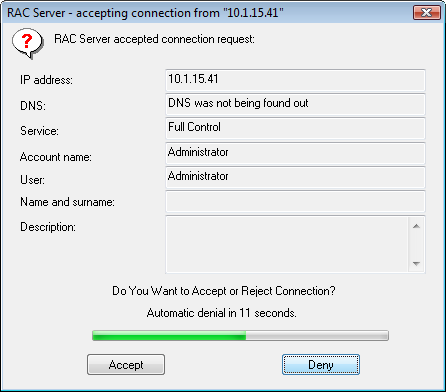
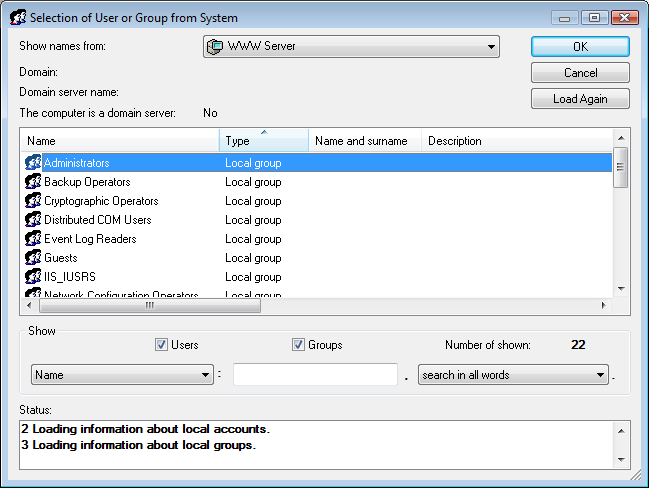
To access the server you may use internal, system and domain accounts
(sample)
To enhance security you may log on using the authorization key to the remote RAC
server as it is done with bank accounts
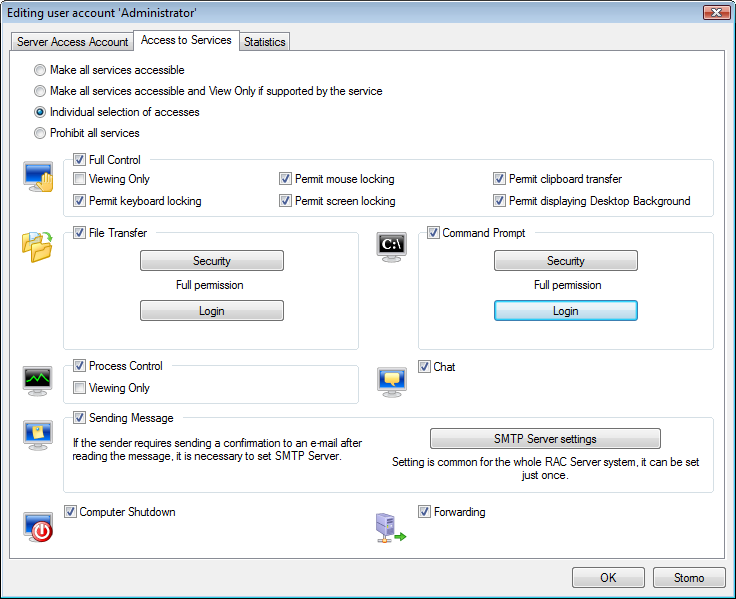
With the specific user you may individually set an access to the individual services
and with full control you may individually set locking your screen, keyboard and mouse (sample)
In the process of remote control the special administrator account enables the user to discontinue
connection of logged users and prevent them from further logging to the RAC Server
Enables locking of user accounts
In the process of remote computer control the users are
allowed to prevent other users from controling the computer
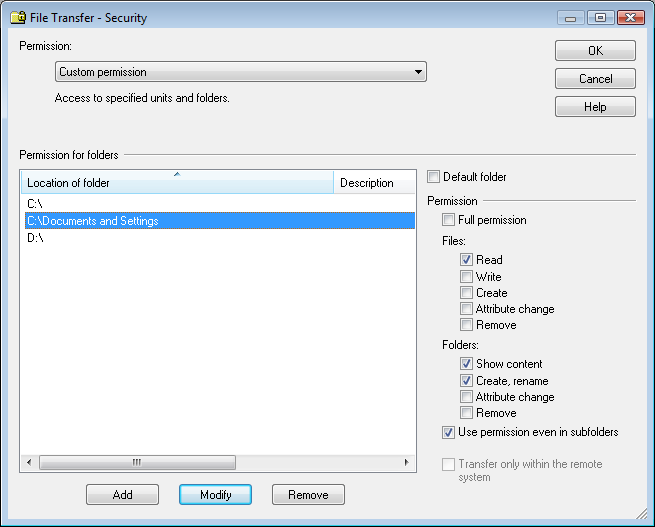
With the File Transfer service that enables remote transfer of files and folders
it is possible to set an individual access to specific folders for individual users
(sample)
With the Command Prompt service that enables start commands or tools on a remote
system, it is possible to set individual access to start commands or tools
for individual users
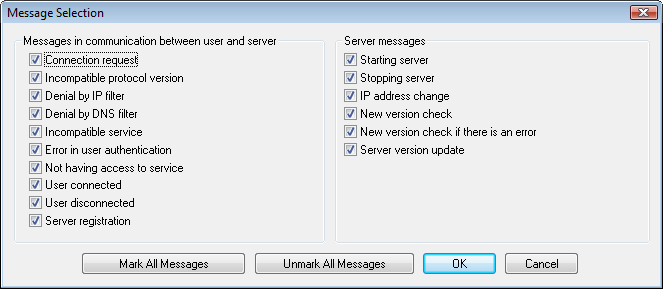
Enables limiting functions of the RAC Server
Enable or disable:
Starting server
User setting
Server setting
HTTP tunnel setting
Display of connected users
Display of connections to HTTP tunnel
Disconnection of users
Disconnection of connection to HTTP tunnel server
Server control
Control of HTTP tunnel
Automatic server update
Test of screen locking
Enter registration data
Enables to attach all services through another RAC Server free of charge
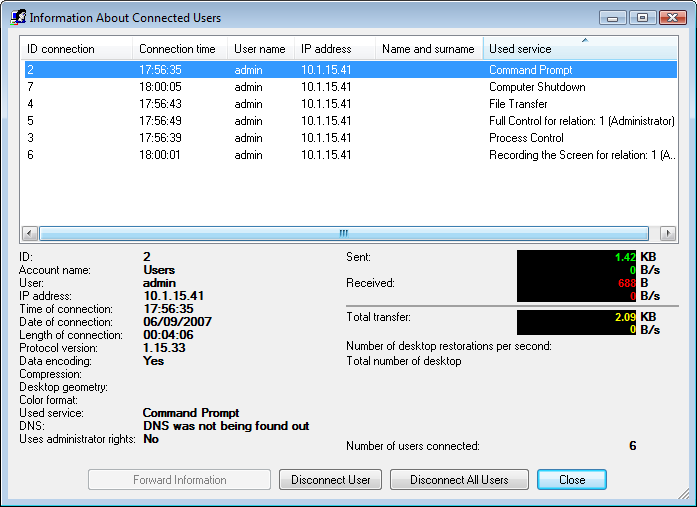
Displaying information about the connected users with the possibility to disconnect one
or all users
(sample)
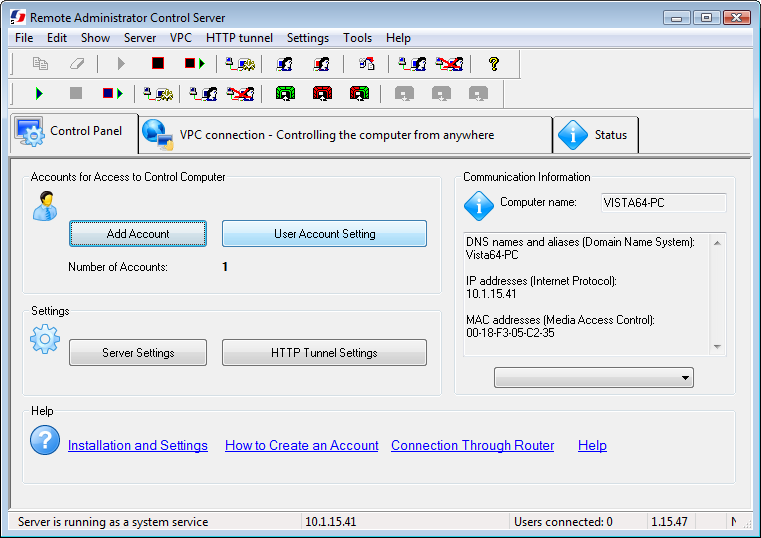
All setting and information are available even if the server runs as a system service,
by another start of the RAC Server
When starting RAC Server it enables to create exception in Firewall gate of Windows® system
In setting on the Exceptions in Firewall gate of Windows® system tab.
Recommended to use especially for remote installation of RAC Server.
option to schedule automatic PC startup from the sleep or standby mode.
And, when the PC is not being used, an option to automatically
switch the PC to the sleep or standby mode after some time.
The tool for finding the communication information in Tools menu
VPC:
Using the VPC is free of charge
Controlling the computer without public or static IP address